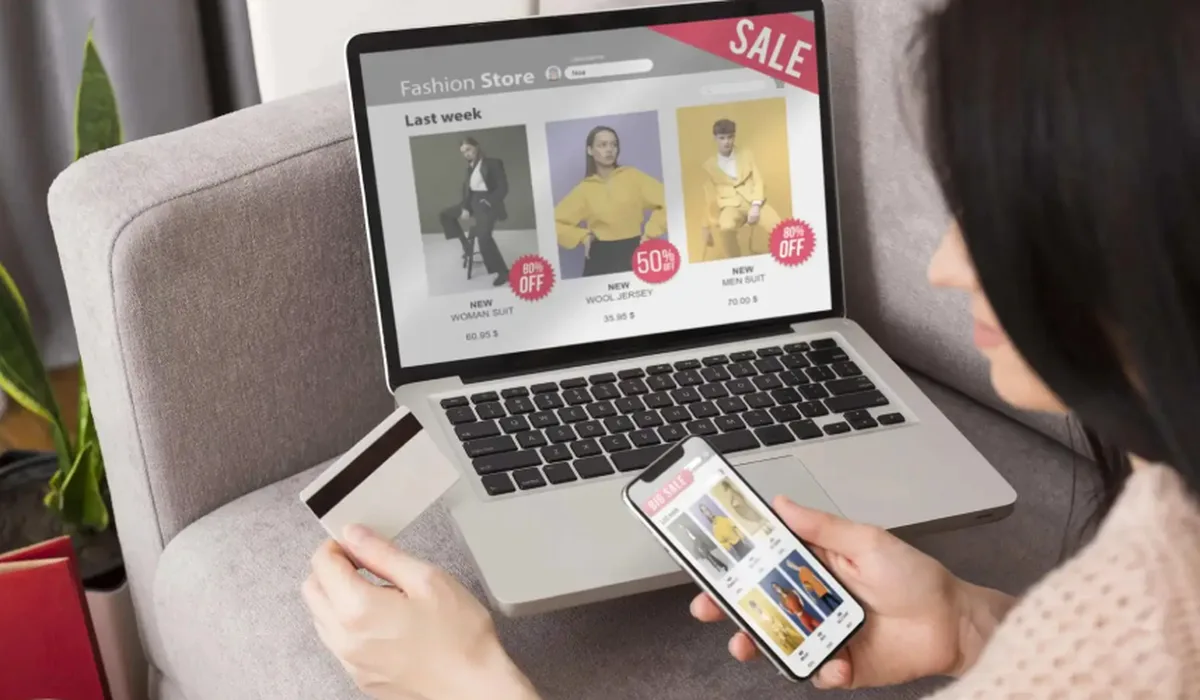
Online shopping is fast and convenient, and a few simple habits keep it safe. Run through these eight checks before you enter your card details, whether you're buying a laptop, a sofa or a gift card.
1. Check the address bar
Make sure the web address starts with https:// and shows the padlock icon. That means the connection between your browser and the store is encrypted.
2. Find real contact details
A trustworthy store lists a phone number, an email address and a physical address. If you can't find a way to reach a person, think twice.
3. Read the returns policy first
Check how long you have to return an item, who pays return shipping and which products are final sale. Food, gift cards and opened personal care items are usually non-returnable.
4. Compare the total, not just the price
Add shipping and sales tax before you compare stores. A lower price can end up costing more once delivery is added.
| Check | Why it matters |
|---|---|
| Shipping cost and free-shipping threshold | Can change the final price by several dollars |
| Sales tax | Should be shown before you pay |
| Promo codes | Usually one per order; check the conditions |
5. Use a credit card or PayPal
Credit cards and PayPal offer stronger purchase protection than debit cards or bank transfers if something goes wrong.
6. Keep your devices protected
Install updates promptly and use reputable antivirus and internet security software, especially on the computer you shop and bank on.
7. Be careful with gift card requests
Buy gift cards only for people you know. No genuine company or government agency will ask you to pay a bill with gift cards.
8. Save your confirmation
Keep the order confirmation email and order number until your items arrive and the return window has passed.